

Modern enterprises face a critical inflection point where data stagnation threatens operational agility. According to a 2024 report by Gartner, organizations that fail to modernize their core data infrastructure experience a 30 percent increase in technical debt costs annually. This statistic highlights the urgent need for a rigorous evaluation framework. Legacy databases often serve as the backbone of critical business functions, yet they frequently become bottlenecks for innovation. This guide provides a structured approach to assessing your current database environment, identifying risks, and determining the optimal path forward.
Step 1: Conducting the Technical Audit
The foundation of any successful database evaluation is a deep technical audit. You must understand the architecture, dependencies, and data lineage of your current system. Legacy databases, such as Oracle, IBM Db2, or Microsoft SQL Server, often have complex interdependencies that are not immediately visible. Start by mapping all applications that connect to the database. Identify which systems read data, which write data, and which perform real-time transactions.
Assess the version and patch level of your database software. Older versions may no longer receive security updates or performance improvements. For instance, end-of-life versions of major database engines lose vendor support, leaving your infrastructure vulnerable to unpatched exploits. Check the documentation for Oracle database lifecycle policies to understand support timelines. Similarly, review IBM Db2 support schedules to determine if your current version is still viable.
Document the data schema and normalization levels. Legacy systems often suffer from over-normalization or poor indexing strategies that hinder performance. Identify tables with high fragmentation rates and columns that are frequently queried but rarely indexed. This audit will reveal the technical debt that accumulates over years of incremental changes without architectural oversight.
Step 2: Analyzing Performance Metrics
Performance evaluation goes beyond simple uptime monitoring. You need to analyze query execution times, resource utilization, and concurrency limits. Legacy databases often struggle with modern workloads that require high throughput and low latency. Use monitoring tools to capture peak load periods and identify slow-running queries.
Look for signs of resource contention. If your CPU or memory usage consistently hits 90 percent during business hours, your database is likely undersized or inefficiently configured. According to data from Dataversity performance studies, inefficient indexing can increase query times by up to 500 percent. This inefficiency directly impacts user experience and operational efficiency.
Evaluate the scalability of your current setup. Can you add more nodes to handle increased load? Or are you limited by vertical scaling constraints? Legacy monolithic databases often hit hard limits on single-server performance. If your business is growing, your database must be able to scale horizontally or vertically without significant downtime or architectural overhaul.
Step 3: Security and Compliance Review
Security is a paramount concern when evaluating legacy systems. Older databases may lack modern encryption standards, multi-factor authentication, or granular access controls. They may also be incompatible with current compliance frameworks such as GDPR, HIPAA, or PCI-DSS. A thorough security audit must include a vulnerability scan and a penetration test focused on the database layer.
Check for known vulnerabilities in your database version. Search the CVE database for Oracle vulnerabilities to see if your version is listed. Similarly, review IBM security advisories for any unpatched risks. If your database is no longer supported, you are exposed to significant risk.
Assess your data access controls. Who has administrative access? Is there a clear audit trail for data modifications? Legacy systems often have weak logging mechanisms that make it difficult to trace data breaches or unauthorized changes. Implementing strict role-based access control (RBAC) is essential for maintaining data integrity and regulatory compliance.
Step 4: Total Cost of Ownership Analysis
Calculating the Total Cost of Ownership (TCO) is critical for justifying any migration or modernization project. TCO includes licensing fees, hardware costs, maintenance contracts, and internal labor hours. Legacy databases often have high licensing costs based on core counts or user seats. These costs can escalate rapidly as your infrastructure grows.
Consider the cost of downtime. If your legacy database experiences frequent outages or performance degradation, the business impact can be substantial. According to research by Gartner on downtime costs, unplanned downtime can cost enterprises millions of dollars annually. Factor in the productivity loss of IT staff who spend time maintaining the legacy system instead of driving innovation.
Compare the TCO of staying with the legacy system versus migrating to a modern cloud-native solution. Cloud databases often offer pay-as-you-go pricing models that align costs with actual usage. This flexibility can result in significant savings, especially for variable workloads. However, be aware of egress fees and data transfer costs that can add up in cloud environments.
Step 5: Evaluating Migration Strategies
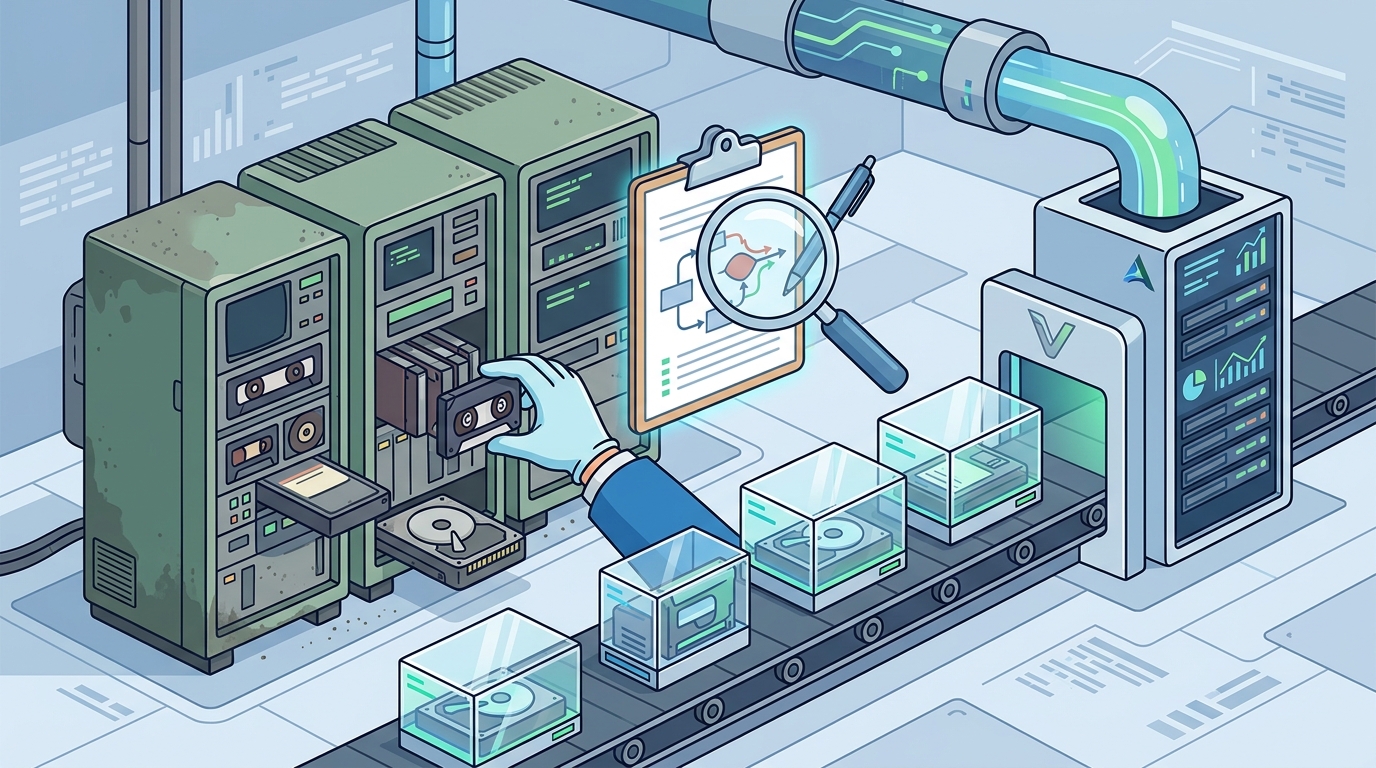
Once you have completed the audit, performance analysis, security review, and cost assessment, you must decide on a migration strategy. The three primary approaches are lift-and-shift, re-platforming, and refactoring. Each strategy has different levels of effort, risk, and benefit.
| Strategy | Description | Risk Level | Best For |
|---|---|---|---|
| Lift-and-Shift | Moving the database as-is to a new environment. | Low | Quick wins, minimal code changes. |
| Re-platforming | Minor optimizations to leverage cloud features. | Medium | Improving performance without full rewrite. |
| Refactoring | Redesigning the database schema and application logic. | High | Long-term scalability and innovation. |
Lift-and-shift is the fastest route to the cloud but may not address underlying performance issues. Re-platforming involves optimizing the database for cloud-native features, such as auto-scaling and managed backups. Refactoring is the most complex but offers the greatest long-term benefits. It allows you to adopt modern data models, such as NoSQL or graph databases, if they better suit your business needs.
At Acumen Velocity, we specialize in guiding enterprises through these complex transitions. Our team ensures that your migration is seamless, secure, and aligned with your business goals. We help you avoid common pitfalls such as data loss, extended downtime, and budget overruns.
Key Takeaways
- Legacy databases often incur hidden costs through technical debt and inefficient resource usage.
- Performance bottlenecks are frequently caused by outdated indexing strategies and poor schema design.
- Security risks increase significantly when database versions reach end-of-life status.
- Total Cost of Ownership must include licensing, hardware, maintenance, and downtime costs.
- Migration strategies range from low-risk lift-and-shift to high-impact refactoring.
- Cloud-native databases offer scalability and flexibility that legacy systems cannot match.
- Expert guidance is essential for minimizing risk during database modernization projects.
Frequently Asked Questions
What is a legacy database?
A legacy database is an outdated data management system that is still in use but lacks modern features, support, or scalability. It often relies on older technologies and architectures that are difficult to maintain.
How do I know if my database is too old?
If your database vendor no longer provides security patches or updates, it is considered too old. Additionally, if you experience frequent performance issues or high maintenance costs, it is time for an evaluation.
What is the difference between re-platforming and refactoring?
Re-platforming involves minor changes to optimize the database for a new environment, while refactoring involves significant changes to the schema and application logic to improve performance and scalability.
Can I migrate my database without downtime?
Yes, with proper planning and tools, you can achieve near-zero downtime migration. Techniques such as continuous replication and phased cutover help ensure business continuity during the transition.
Why is data security important in legacy systems?
Legacy systems often lack modern security features, making them vulnerable to attacks. They may also be non-compliant with current regulations, leading to legal and financial penalties.
How long does a database migration take?
The duration varies based on the complexity of the database and the migration strategy. Simple migrations may take weeks, while complex refactoring projects can take several months.
What are the benefits of cloud-native databases?
Cloud-native databases offer automatic scaling, high availability, managed backups, and reduced operational overhead. They also enable faster innovation through integration with other cloud services.
Next Steps
Evaluating your legacy database is the first step toward unlocking your organization's full potential. Do not let outdated technology hold your business back. Contact Acumen Velocity today to schedule a comprehensive database audit. Our experts will help you identify risks, calculate costs, and develop a tailored modernization strategy. Visit our services page to learn more about how we can support your digital transformation journey.